Bigjpg now upscales CMYK JPEGs and keeps the ICC profile
Enlarge a print image without converting it yourself. Upload a CMYK JPEG and choose JPG output to keep the original embedded ICC profile.
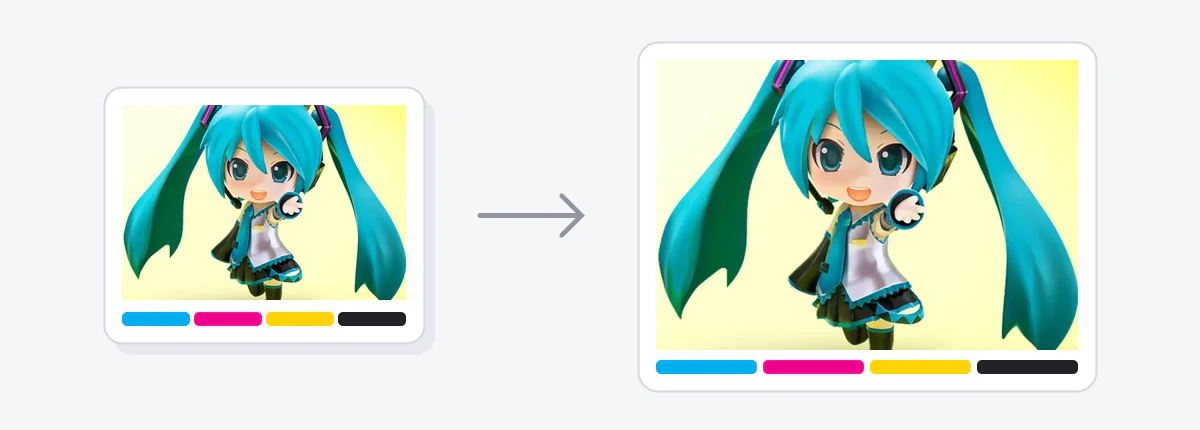
Your printer wants the same catalogue photo at 2,400 × 1,600 pixels. The only copy you have is a 1,200 × 800 CMYK JPEG. Bigjpg can now upscale that JPEG and return it in CMYK with its original embedded ICC profile. You no longer need to make an RGB copy, run the upscale, then convert the result back yourself.
Which output format keeps CMYK?
Use Select Images on the homepage to upload the original .jpg or .jpeg. Set Output Format to JPG. For the catalogue photo above, choose Photo and 2x to double both dimensions. PNG and WebP output do not retain CMYK.
Can I send the enlarged JPEG straight to the printer?
Check the download in your image editor first. Bigjpg uses sRGB for the AI step, then converts the result back to CMYK and embeds the original ICC profile on a successful CMYK export. We use a generic CMYK profile if there was none in the source. If CMYK processing fails for a file, the download may fall back to RGB.
Confirm the colour mode and profile in the actual file rather than judging from the web preview. Keeping the profile does not guarantee unchanged ink values after conversion and upscaling. Ask for a proof if the colour is critical. To set your target dimensions, use our print-size and pixel chart.